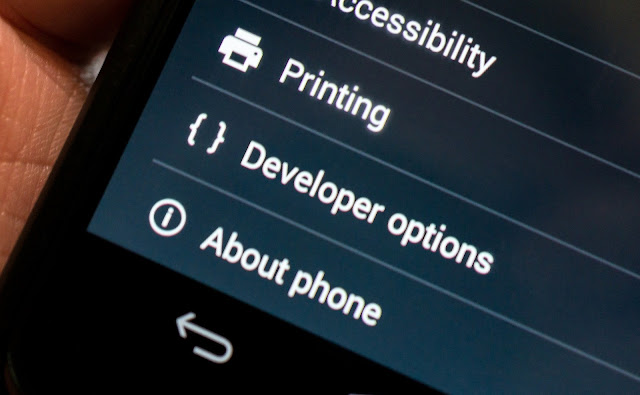
Enabling developer option in android phone will help you to activate and deactivate some android hidden features like USB Debugging, Show pointer Location, Change Screen Speed, Show Touches, Show Screen Update etc. But if you don't know how to use it then we are suggesting not to enable it before you have proper idea about what is developer option will let you do.
How To Enable it?
1. Go to settings option in your android phone
2. Scroll down and find "About Phone" option and click on it
3. Then scroll down and find "Build Number" option and tap on it 7-10 time continuously until it shows you that developer option has been activated.
4. Now got to home and again open phone settings. You will now find an option named Developer option in settings.
Hope it will help you.
How turn on/off Unknown Source option in Android 8.0 Oreo and install APK files:-
There may be a situation you want to install apk files that you have downloaded from third party websites using your phone browser. But there is restriction in android that will disallow you to install that downloaded file.
Picture 1
Picture 2
Picture 3
But happily there is an option to turn it off. Just follow the under mentioned procedures:-
1. Go to your Phone Settings.
2. Then Find Security Option and Click on it.
3. That's it, you have done turning off unknown sources. Follow the same procedure to turn it on again if need it.
Subscribe
For New Post Notifications